 680 × 680
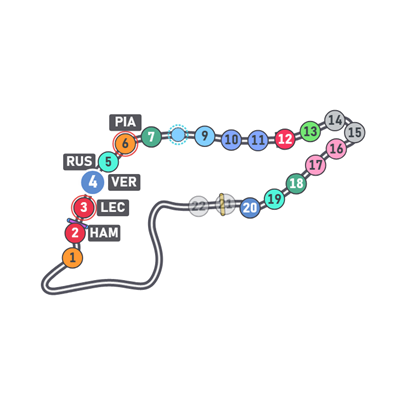
Track Map
The circuit with every car, sectors and a pit lane it learns as you drive.
- EA F1
- iRacing · planned
23 overlays, 2 full-screen dashboards and 3 analysis pages, all free. Each overlay is a SimHub dashboard you can place, resize, show and hide on its own. Previews show the default Large layout with sample data.
Showing 30 items
Who is around you, who is within reach, and where the gaps are.
680 × 680The circuit with every car, sectors and a pit lane it learns as you drive.
 680 × 680
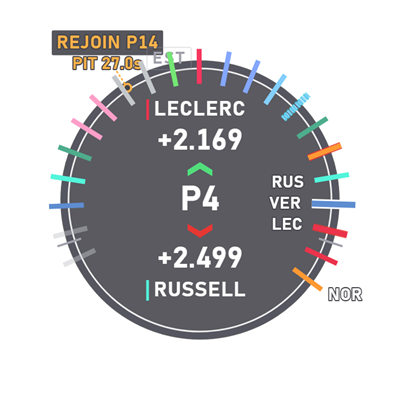
The field on a lap ring around you, with the gaps and a pit-rejoin cue.
 240 × 640
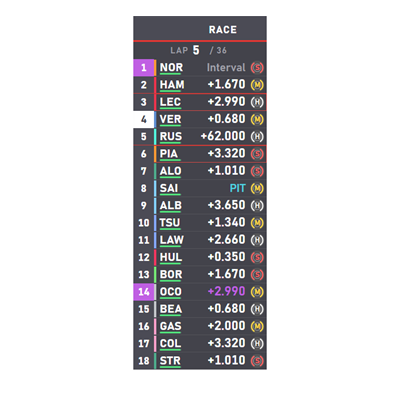
The timing tower: position, driver, gap or interval and tyre, with session pages.
 1000 × 160
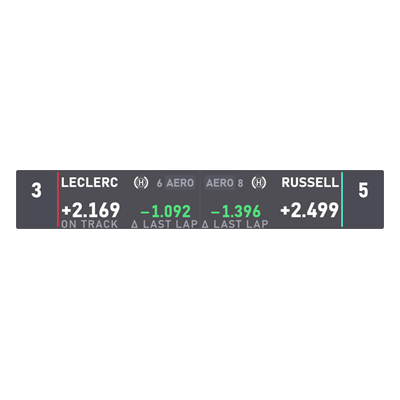
The car ahead and the car behind, with gap, lap delta and tyre.
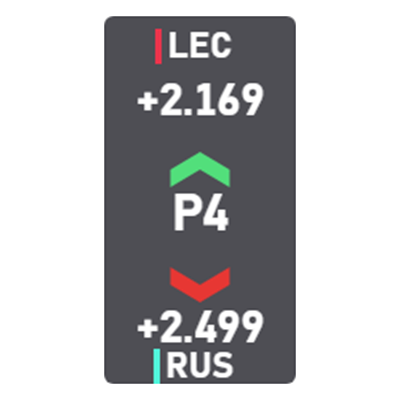 120 × 230
Your neighbours as a narrow stack of codes and gaps.
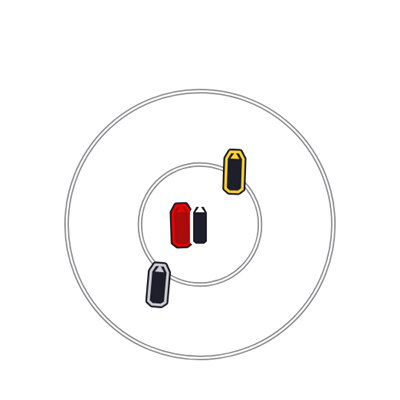 480 × 480
Nearby cars around a steady centre marker, or as blind-spot rails.
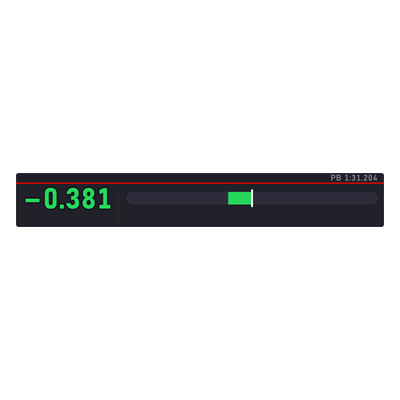 820 × 120
The live delta to your personal best as a signed number and a centre-zero bar.
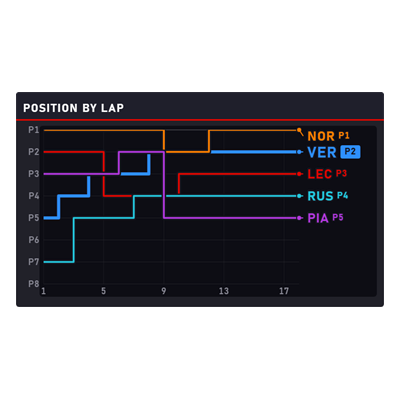 720 × 420
Position per lap for you and your rivals, or the whole field.
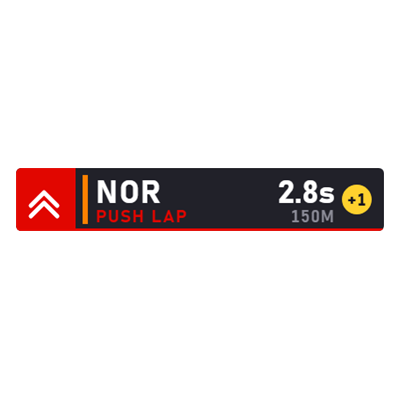 420 × 72
Who is on a push lap behind you on your out lap, and how far back.
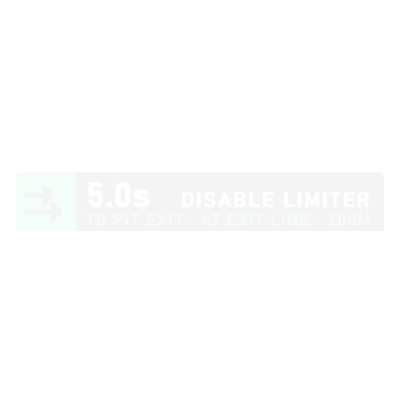 420 × 72
Approach, limiter, box and release, each phase with the one number that matters.
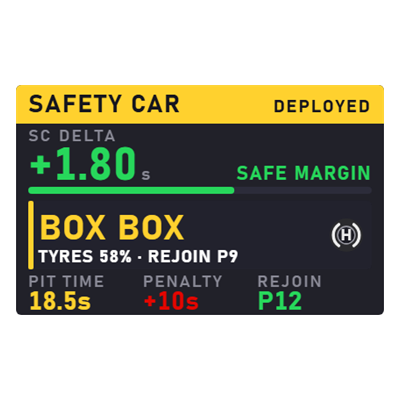 420 × 262
The SC / VSC delta with its penalty risk, the box-or-stay-out call and the pit loss.
Tyres, weather, damage and the pit plan, turned into a call.
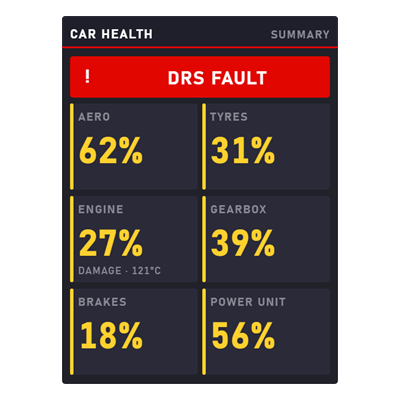 480 × 640
A fault band over six summary tiles, plus damage and power-unit wear pages.
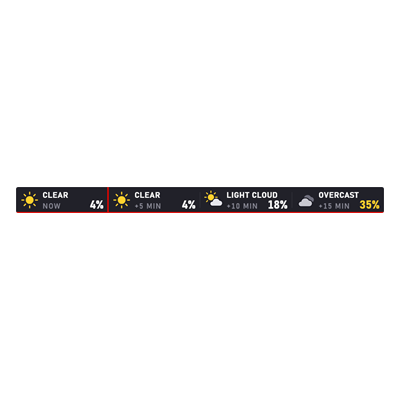 1024 × 72
The next forecast samples: condition, time offset and rain chance.
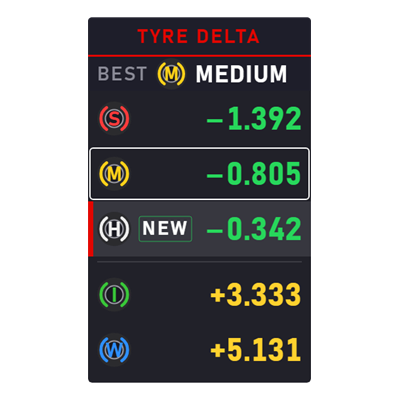 340 × 560
Lap-time delta per compound against the best set, the best one named on top.
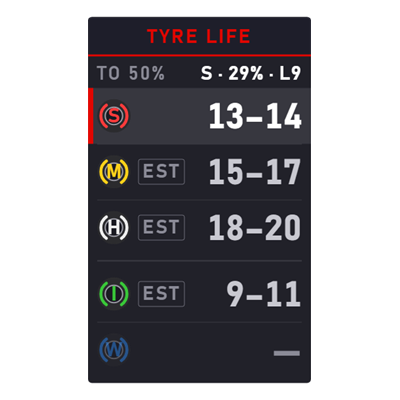 340 × 560
Laps left to the wear target per compound, measured lap by lap.
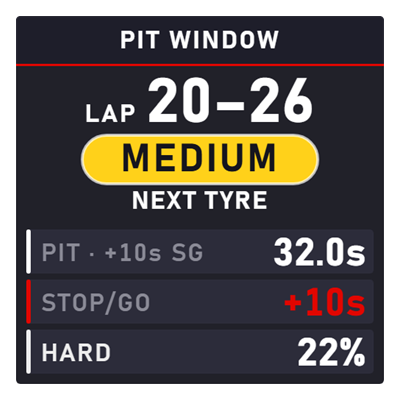 500 × 500
The predicted pit laps and next compound, with the stop's cost and your rejoin position.
 500 × 500
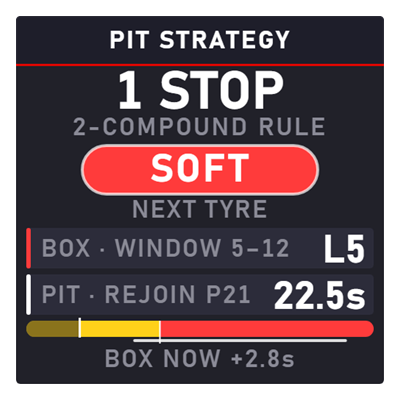
The plan to the flag: stop count or BOX NOW, next compound, box lap and a stint bar.
 340 × 340
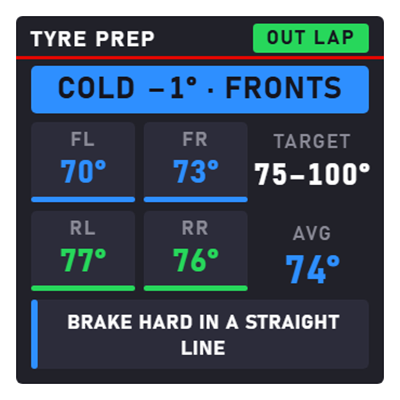
Out-lap tyre temperatures against the window, a verdict and the one thing to do.
Your inputs, your launch and what race control just said.
 1024 × 290
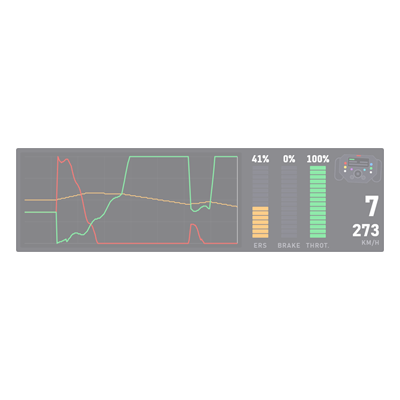
Throttle, brake, clutch and steering traces with gear and speed.
 480 × 210
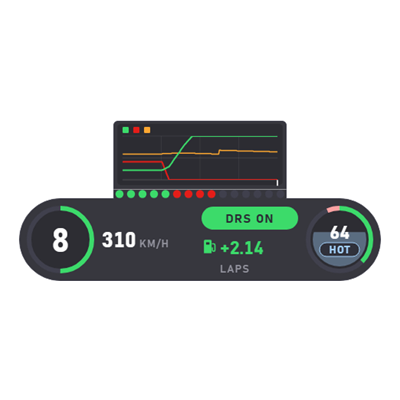
Gear, speed, DRS, fuel laps, ERS and rev lights on one card.
 520 × 220
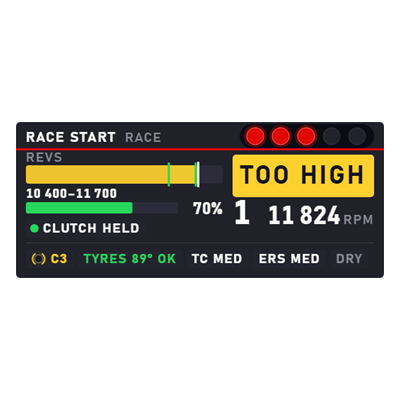
Launch revs, clutch and throttle guidance from the lights through the getaway.
 340 × 340
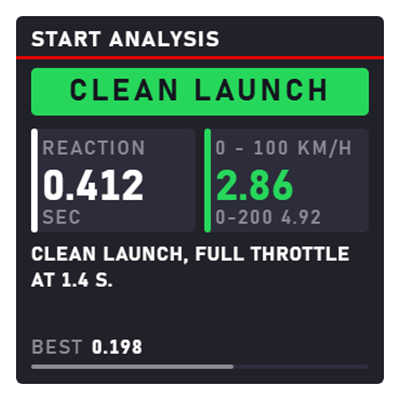
Reaction time, 0–100 and a verdict once the start is done.
 1024 × 72
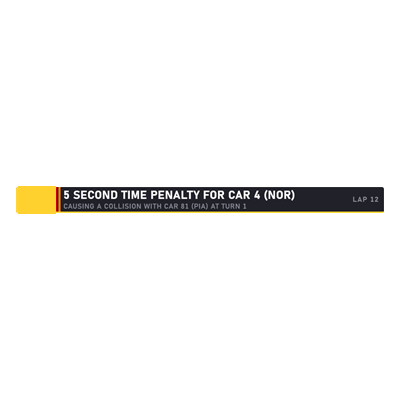
The race-control message strip: flags, penalties and safety car, one message at a time.
Full screens for a spare monitor or a wheel display.
 1920 × 1080 · ultrawide 2580 × 1080
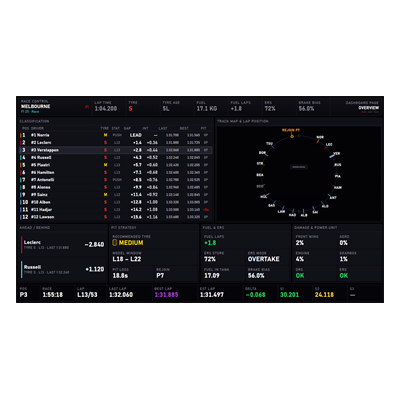
The race engineer's screen for a spare monitor: classification, circuit with a lap ring, timing, tyres, rivals and messages on three configurable pages.
 800 × 480
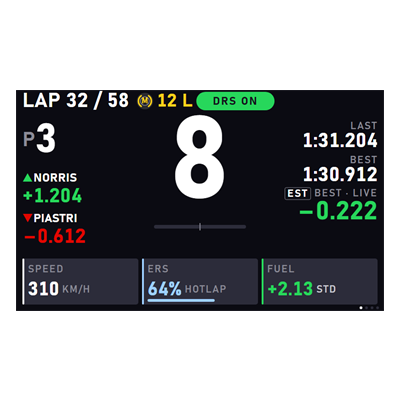
Four pages for a wheel screen or small display (race, timing, tyres, systems) with rotary-dial chips and flag, limiter and penalty bands.
Browser pages served by the plugin on your PC, and what runs underneath.
Compare up to four recorded laps on the track map, a time-delta trace and stacked speed, pedal, gear, RPM, steering, ERS and tyre charts sharing one cursor. Recorded at 60 Hz by default.
Every race pit stop from approach to exit: pit-lane speed against the limiter, with lane, stationary and release timings.
A launch journal: reaction, 0–100 against 0–200, rear slip, launch rpm against its target band, clutch release and a coaching note per start.
Bind any race-engineer phrase (box this lap, set soft tyres, weather report…) to a wheel button. Moverlay presses Talk and speaks the phrase into a virtual microphone for you.
One model behind the tyre, pit-window, pit-strategy and safety-car cards: degradation fitted per session and compound, a learned pit loss and one race plan every card shares.