Race overlays that tell you what to do next.

Moverlay is a free SimHub plugin with 23 broadcast-style overlays, 2 dashboards and post-session analysis. Built for decisions at speed: when to box, who is within reach, whether your tyres are ready.

  • Free, no account
  • Runs locally on your PC
  • SimHub 9.12.6 or newer
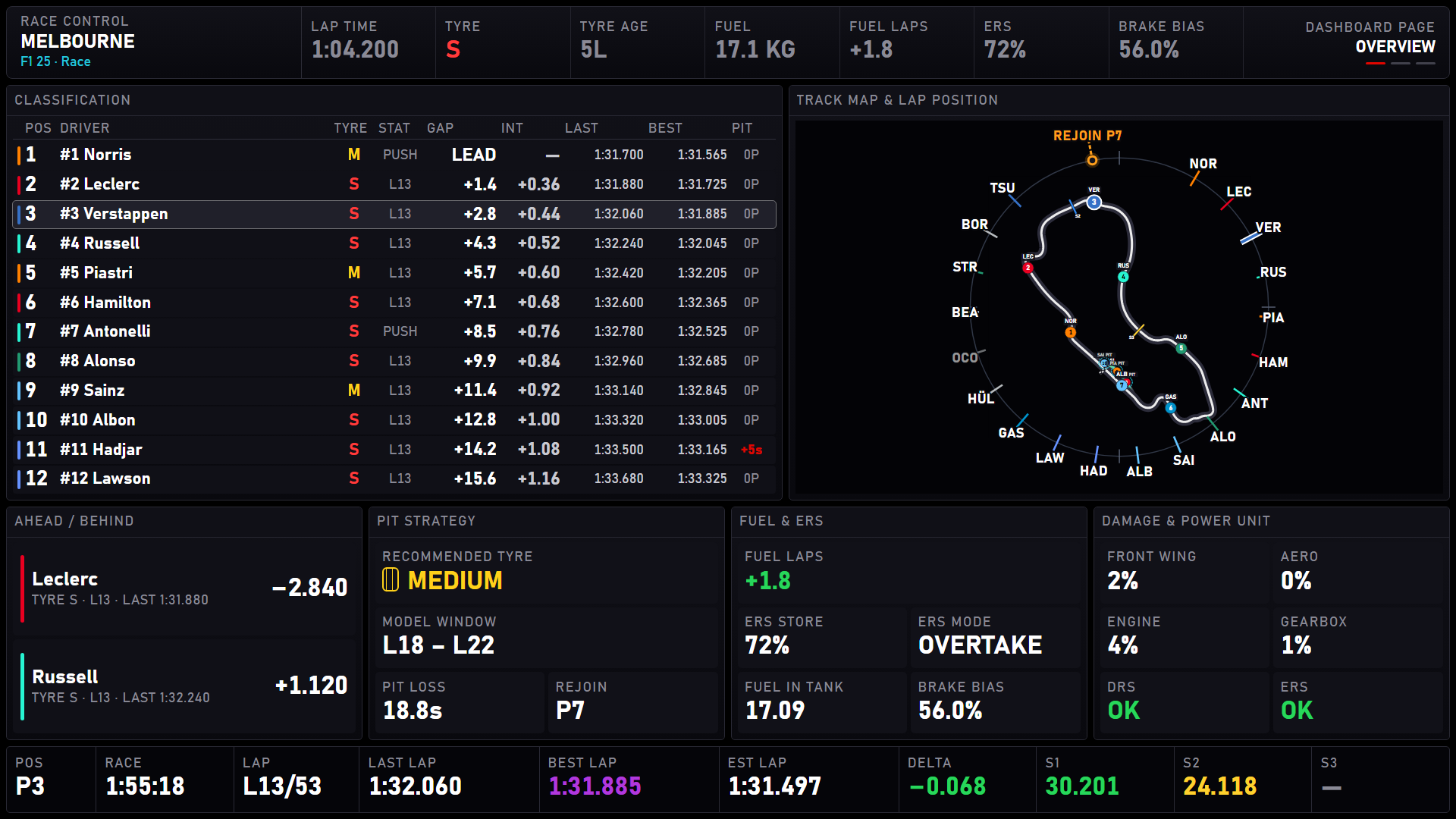
Moverlay Race Control Dashboard: classification tower, track map with a lap ring, pit strategy, fuel and ERS, damage and lap timing on one screen.
Decisions, not decoration

Every card answers a question you'd otherwise ask your engineer.

Moverlay reads the game once through SimHub and turns the telemetry into calls. When the data isn't there, it says so instead of showing a misleading zero.

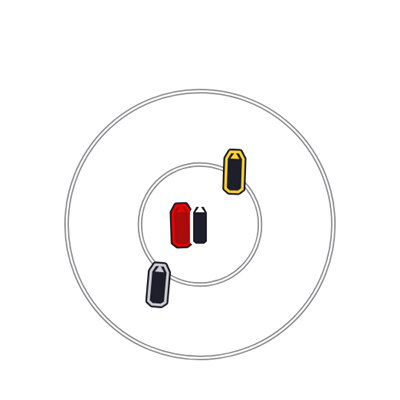
Track Map overlayProximity Radar overlay
Awareness

Know who is within reach

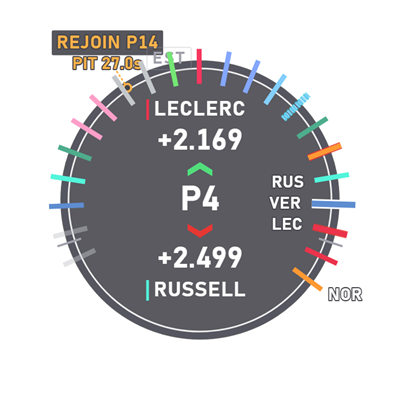
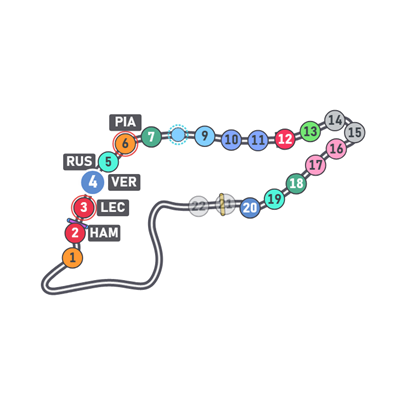
Relative gaps, a track map that learns the pit lane, a proximity radar and a lap ring that shows where you rejoin after a stop.

  • Track Map
  • Proximity Radar
  • Driver Relative
  • Qualifying Traffic
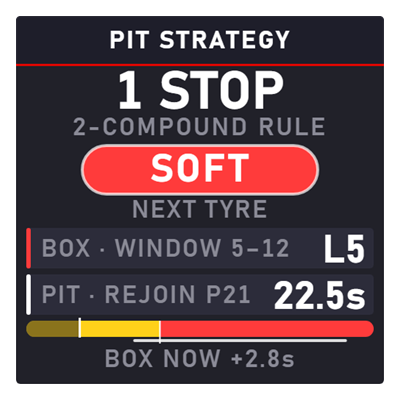
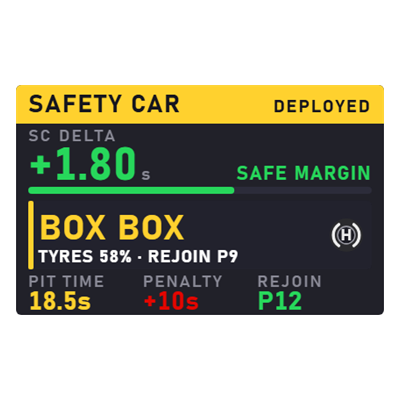
Pit Strategy overlaySafety Car Helper overlay
Strategy

Make the call at speed

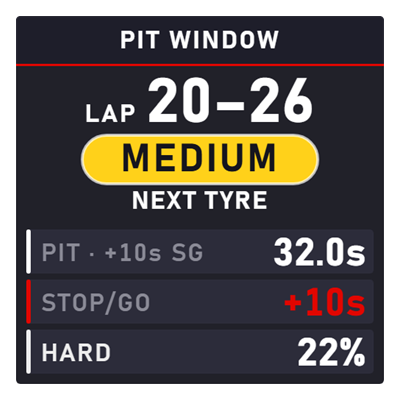
Tyre life, pit windows and a full race plan from one strategy engine, plus a safety-car helper that says BOX or STAY OUT, and why.

  • Pit Strategy
  • Pit Window
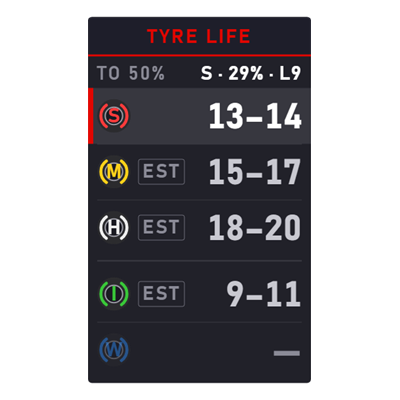
  • Tyre Life
  • Safety Car Helper
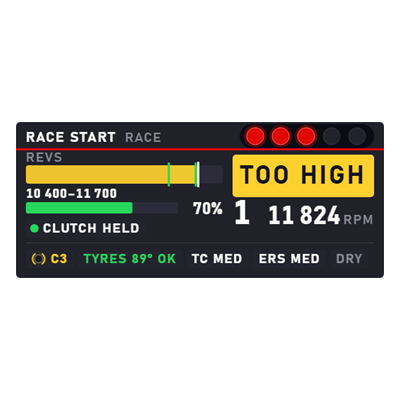
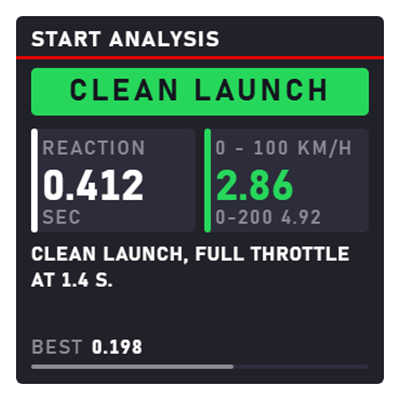
Start Helper overlayStart Report overlay
Execution

Nail the moments that matter

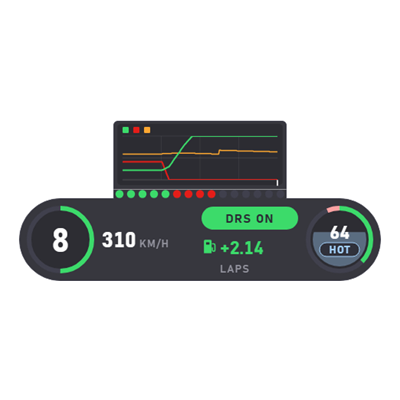
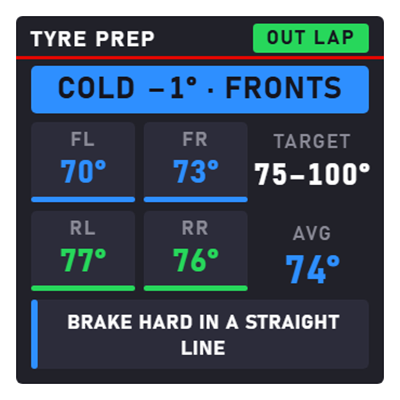
A start coach from lights to getaway, a pit-lane helper for the limiter and the box, and tyre prep on the out lap.

  • Start Helper
  • Pit Stop Helper
  • Tyre Prep
  • HUD
The overlay suite

23 overlays. Two layouts each. One text size.

Every driving overlay comes in a Large layout that reads at racing speed and a Compact one with more on it. Place them anywhere in a SimHub overlay layout, and show or hide each one from a wheel button.

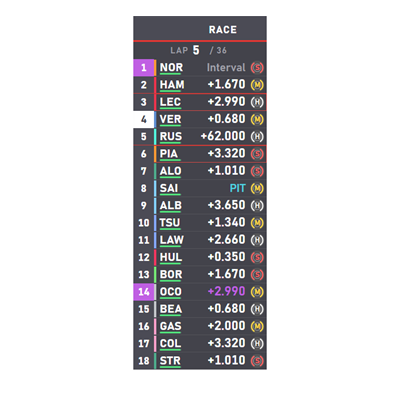
Leaderboard overlay preview

Leaderboard

HUD overlay preview

HUD

Tyre Life overlay preview

Tyre Life

Track Position Circle overlay preview

Track Position Circle

Pit Window overlay preview

Pit Window

Inputs overlay preview

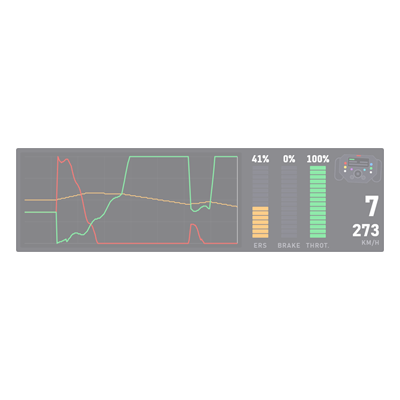
Inputs

Dashboards

A race engineer's screen. And one for your wheel.

The Race Control Dashboard turns a spare monitor into a pit wall: classification, the circuit with a lap ring, timing, tyres, rivals and messages on three pages. The Steering Wheel dashboard fits the same essentials on an 800 × 480 wheel screen.

  • Standard and ultrawide 1920 × 1080 and 2580 × 1080, with configurable gadget zones
  • Four wheel pages race, timing, tyres and systems, with rotary-dial chips
  • One renderer the dashboard embeds the same Track Map as the overlay
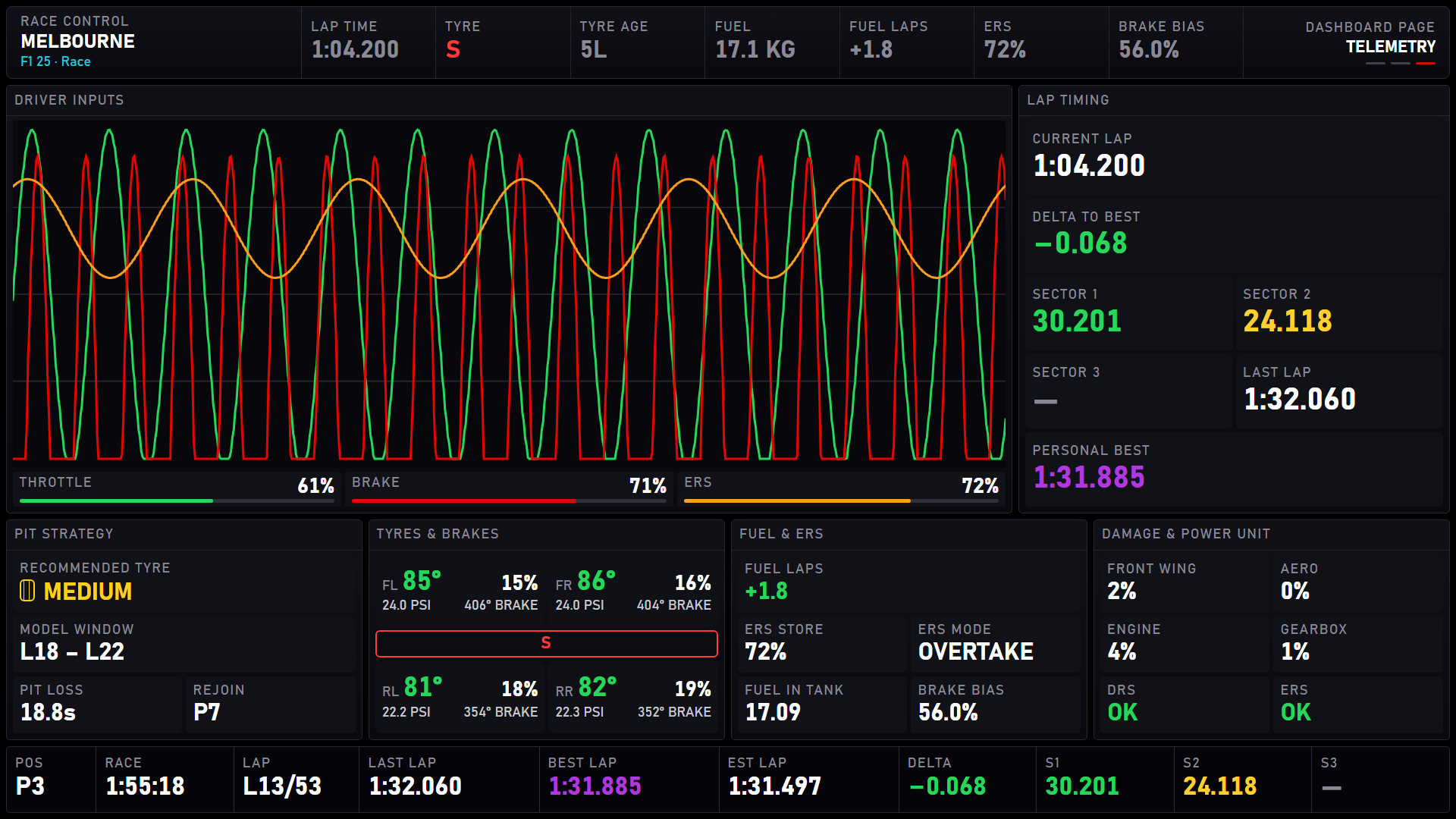
Race Control Dashboard telemetry page: driver input traces, lap timing, tyres and brakes, fuel and ERS.
Race Control Dashboard · Telemetry page · 1920 × 1080
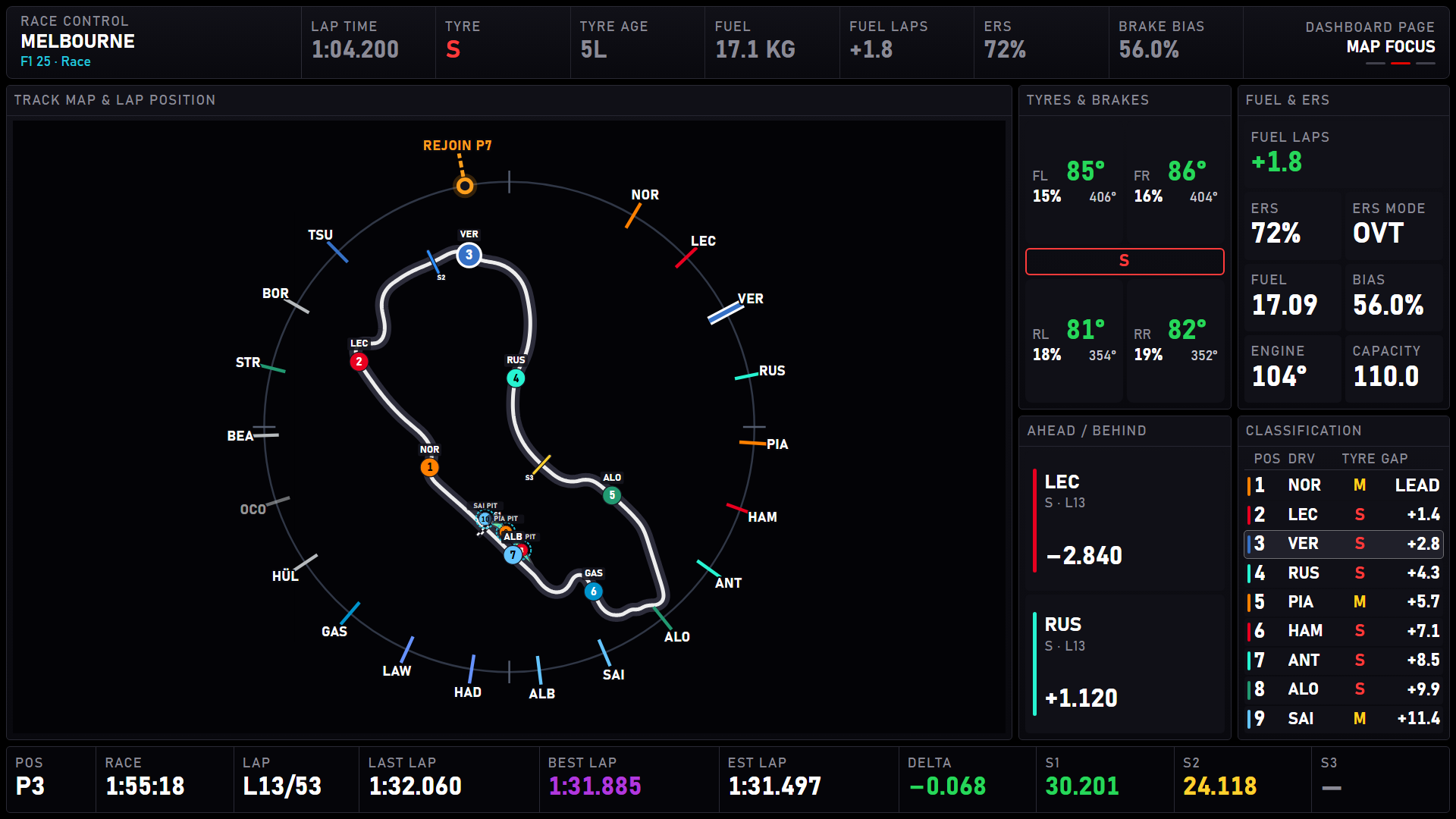
Race Control Dashboard map focus page: a large circuit map with every car and the lap ring, beside tyres, fuel and the classification.
Map focus page
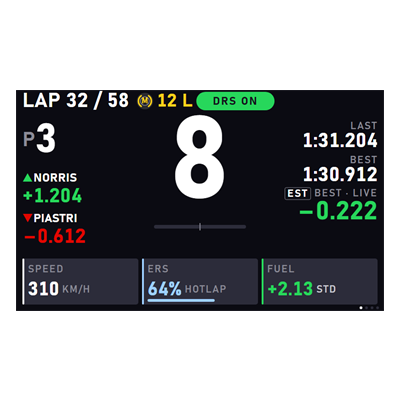
Steering Wheel dashboard: gear, lap, position, gaps to the cars around you and speed, ERS and fuel tiles.
Steering Wheel · 800 × 480
After the session

Review every lap, stop and start.

Moverlay records your Time Trial, practice and qualifying laps channel by channel, every race pit stop and every launch, and opens them in your browser for review.

  • Time Trial compare up to four laps: track map, delta trace and stacked speed, pedal, gear, RPM and steering charts on one cursor
  • Pit Stop pit-lane speed against the limiter, with lane, stationary and release times
  • Starts reaction, 0–100, rear slip and launch rpm with a coaching note per start

More in the box

Talk to the race engineer from a button

Sound Commands turn the phrases the game's race engineer understands (box this lap, set soft tyres, weather report and dozens more) into actions you bind to your wheel. Moverlay presses Talk and speaks the phrase for you.

Local first, light on your frame rate

Overlays are served from your own PC on 127.0.0.1 and update only as fast as a display needs. Hidden overlays back off. No account, and sharing usage data with moverlay.com is a single switch you control.

Free. Set up in minutes.

Run the installer, enable the plugin in SimHub, and drop the overlays into your layout.